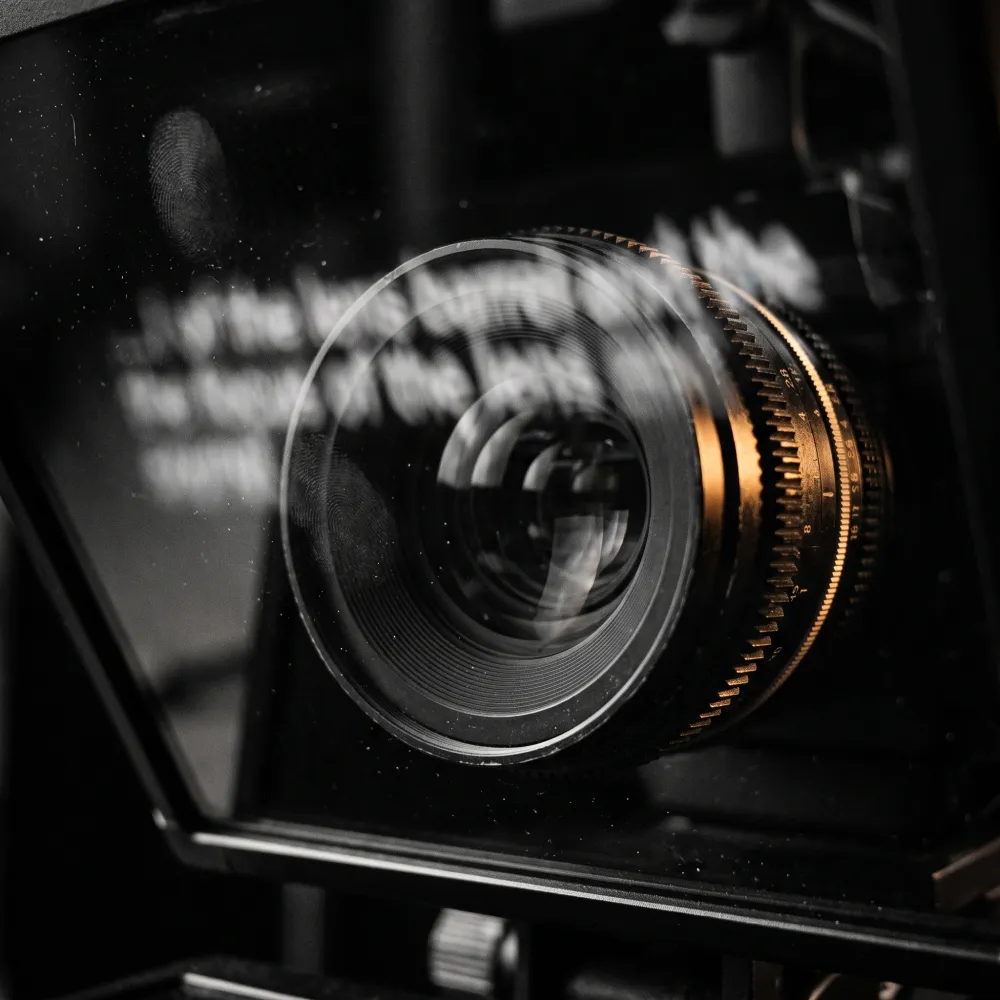
entrevoz teaches Spanish pronunciation, diction and vocal expression. Rodolfo, who runs it, is an actor and a Spanish teacher, and the teaching entrevoz sells happens on camera: recorded lessons, presentation videos, live calls with students from more than 20 countries.
Reading a script on camera looks like a small problem. Look down at a page and the viewer sees it. Read from a window in the middle of the screen and your eyes settle a few centimetres below the lens, which on video reads as not quite meeting anyone’s gaze. For most people that is a detail. For someone who teaches presence and eye contact for a living, it undercuts the lesson while he is giving it.
One HTML file first
It started with a reasonable worry. There are teleprompters on GitHub, but installing one means putting someone else’s code, unread, on the Mac a client teaches from. So the first try was a single HTML file: open it in a browser, paste the text, read. Anyone could read the whole file, and a browser security rule forbade it from connecting to the internet at all.
It proved the idea, and it showed exactly where a browser stops. A browser tab can’t float above a full-screen video call, can’t sit flush against the top edge of the screen where the camera is, and has no idea where a MacBook’s notch begins.
So it became a native Mac app.
What got built
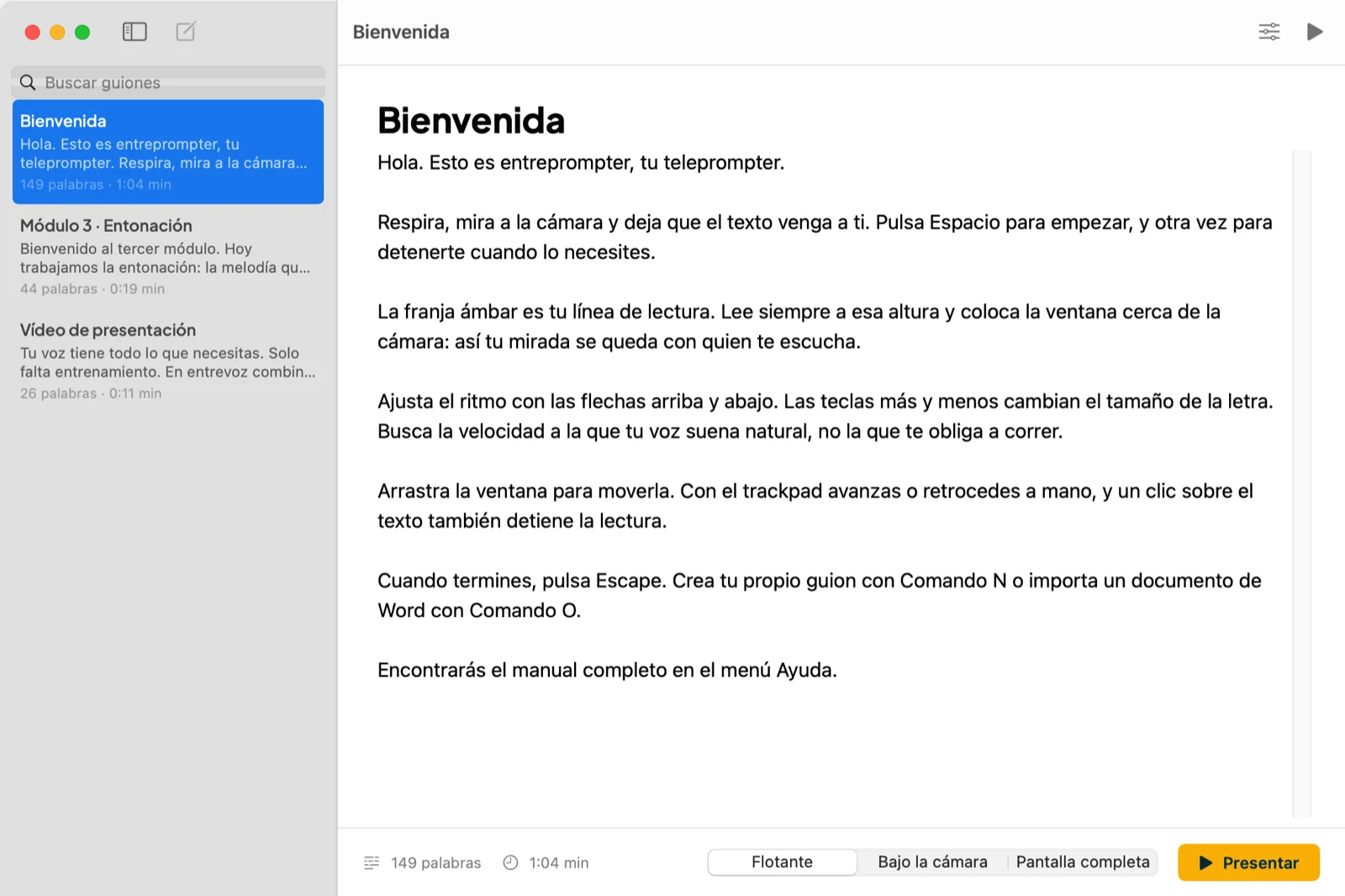
A script library that counts the words and estimates the reading time at about 140 words per minute, a calm and clear pace for spoken Spanish. Scripts can be typed in or imported from Word, RTF, OpenDocument, Markdown, HTML or plain text, and every change saves itself.
Then three ways to read:
- Floating window, above everything, including the menu bar.
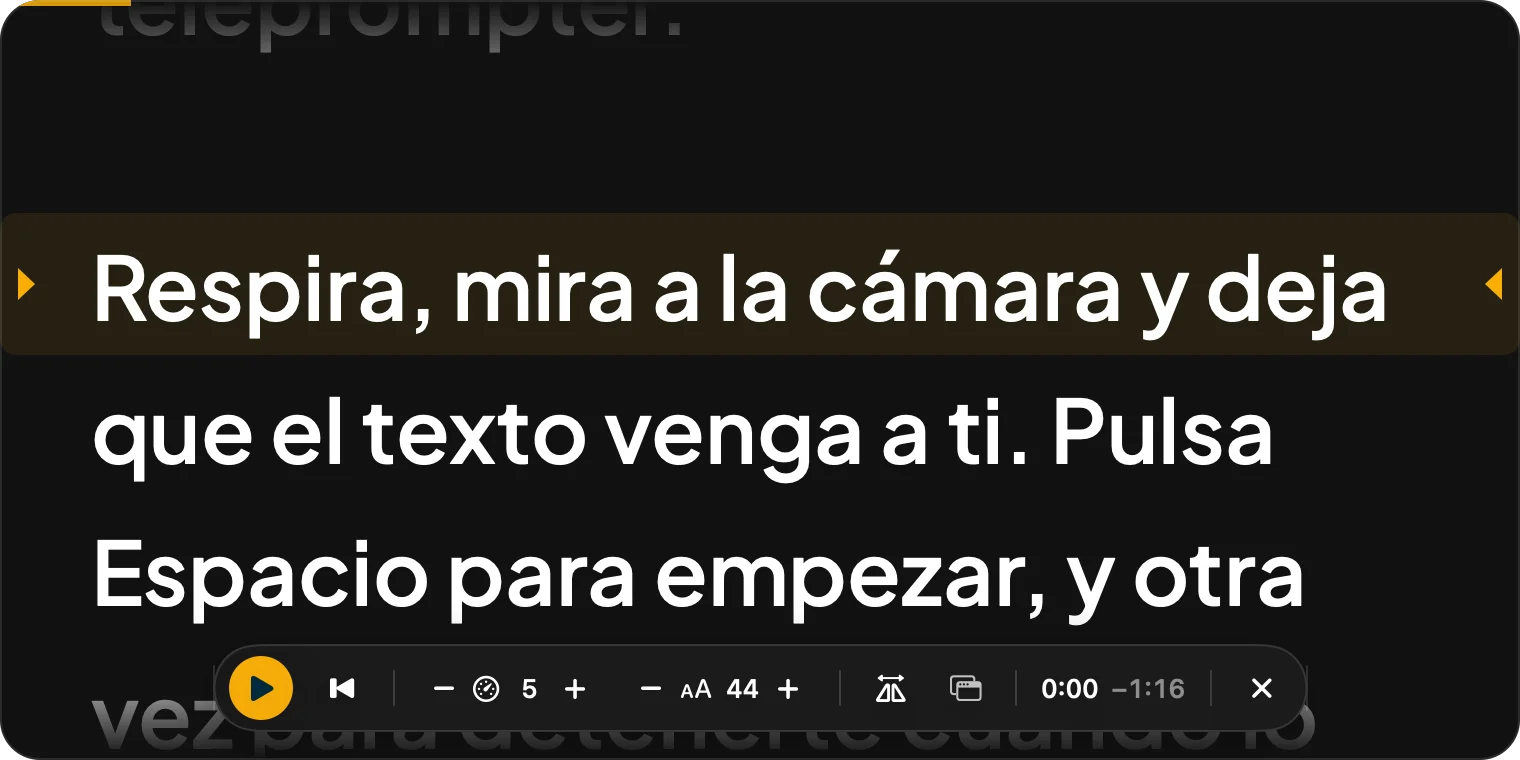
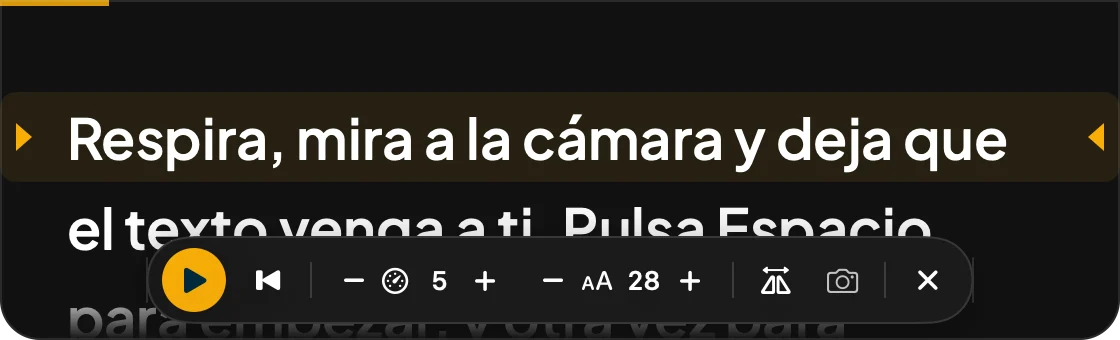
- Under the camera, a narrow strip that snaps to the top edge of the screen with a small haptic tick on the trackpad. On a MacBook with a notch, the reading line always sits just below it, never behind it.
- Full screen, on an external monitor or a teleprompter glass, mirrored horizontally or vertically.
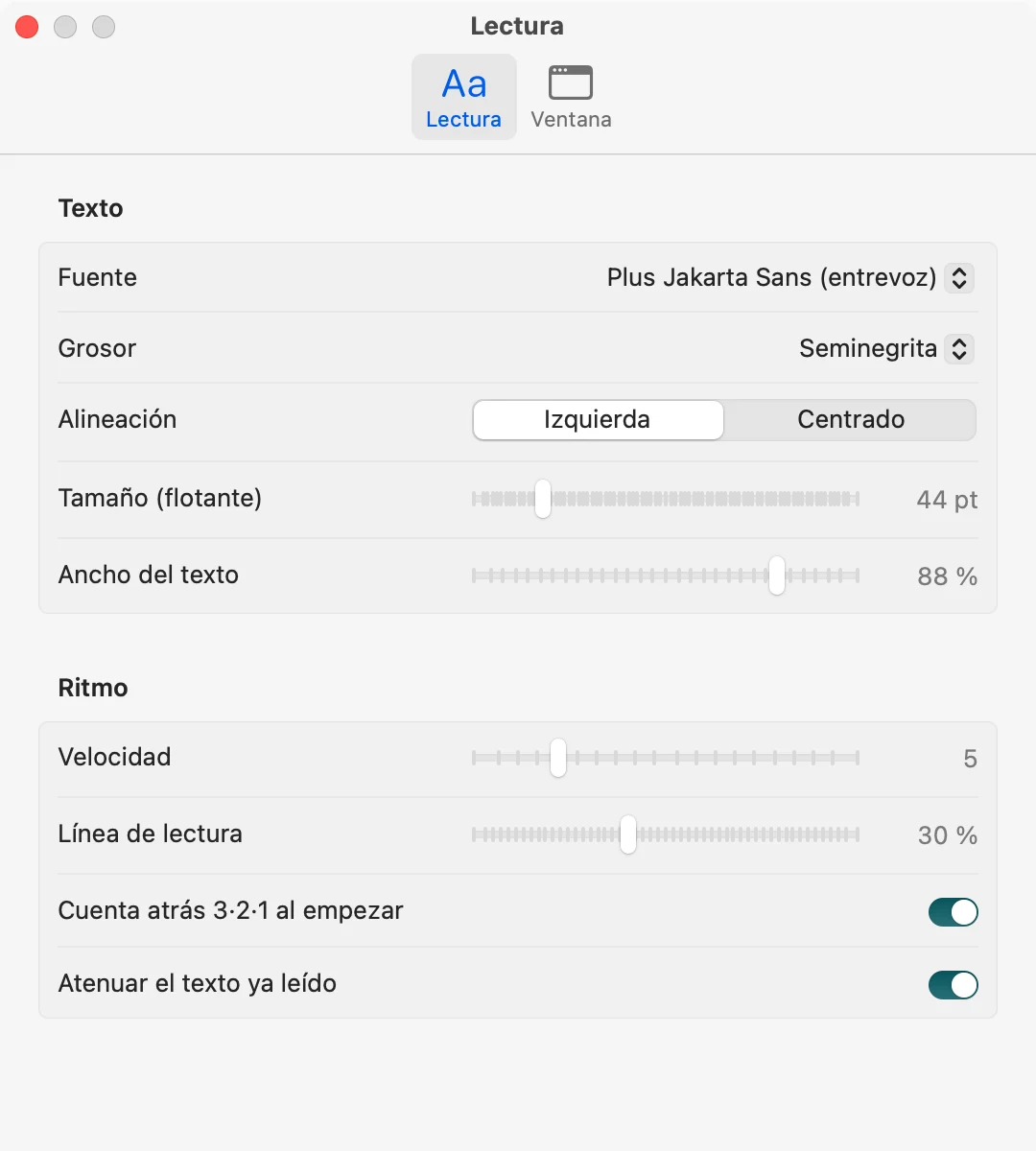
A fixed amber reading line marks the row to read, and everything above it dims, so the eyes always come back to the same place. Speed, size, rewind and mirroring all sit on single keys, because hands that are busy with a mouse are hands that aren’t doing what an actor’s hands do. entrevoz’s brand typeface comes built in.
What it doesn’t do
It isn’t in the App Store, and it isn’t signed. A tool built for one school doesn’t go through Apple’s developer registration, so the first launch asks for confirmation in System Settings. That friction is real, it happens once, and the manual walks through it step by step instead of pretending it isn’t there.
Hiding from screen sharing is a request, not a guarantee. The app asks macOS to keep its window out of recordings and screen shares. In testing it stayed hidden, but some video-call and recording apps ignore that request. So the manual says it plainly: share a window, never the whole screen, and test before anything important.
It never connects to the internet. No account, no sync, no analytics, no permission to use the camera, microphone or screen. Scripts live in one file on the Mac. That is a limit, and a deliberate one: there is nothing to log into, nothing to leak, and nothing that stops working when someone else’s service shuts down.
What went wrong
The update. Version 1.1 worked on my Mac and, according to the photo Rodolfo sent, not on his. The photo gave the cause away: the window stopped below the menu bar with rounded top corners, which only version 1.0 did. Closing a teleprompter window doesn’t quit the app, so the old version had simply kept running while the new one sat in the Applications folder.
Nothing was broken, and that’s the useful part. The installer and the disk now carry the version number in their names, and the manual gained a section on updating: quit with ⌘Q first, then choose Replace, not Keep Both.
On the method
I built this with an AI coding agent, in one afternoon. The first request and the second version are about four hours apart, and the first native build was ready to send to Rodolfo in under an hour.
Typing speed was never the bottleneck. The agent didn’t decide that unread code from the internet stays off a client’s machine, that the reading line belongs right under the lens rather than in the middle of the screen, or that a tool for a client ships with a proper manual. Those decisions come from twenty years of doing this, and the code just carried them to the Mac the same day.
On camera, the viewer should see someone talking to them. Not someone reading.
A teleprompter for a voice teacher has one job: keep the eyes on the lens, and stay out of the way of the voice.
Have a project like this one?
Tell me what you're planning. I'll tell you honestly whether I can help, and what it would take.
Tell me your project →You'll deal with me directly, from first call to final delivery.